
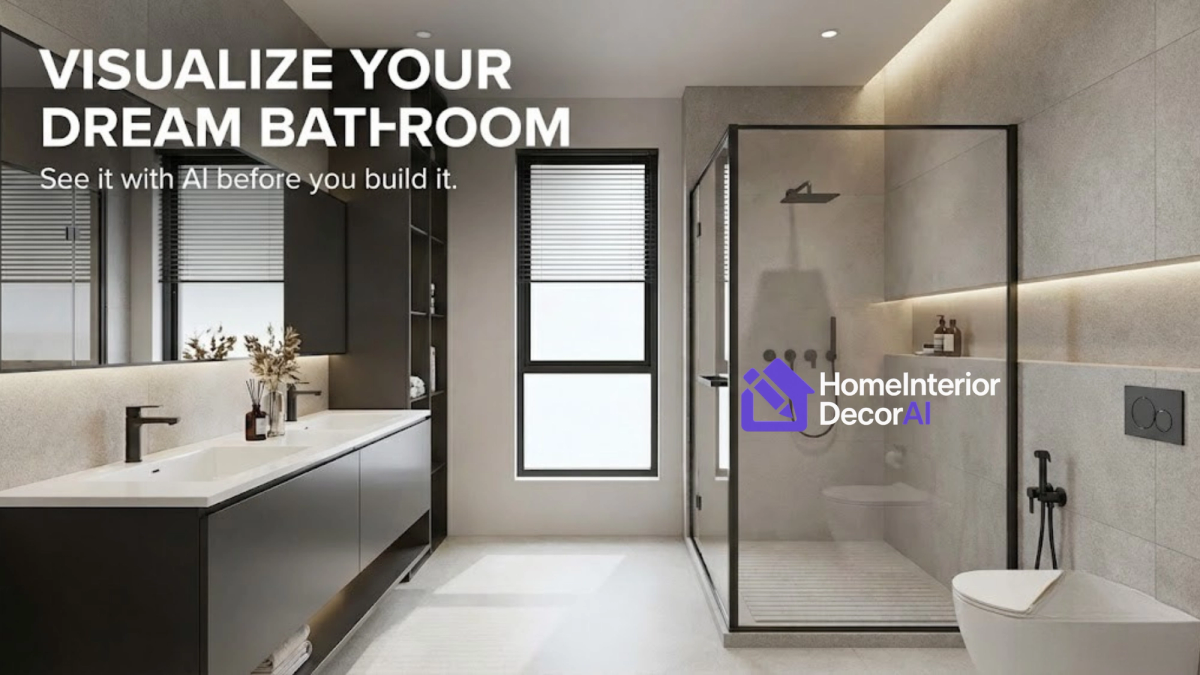
Remodeling a bathroom is one of the most expensive investments you will make in your home. In 2026, the average cost of a midrange bathroom renovation in the US has climbed to over $10,000, with high-end master bath remodels easily exceeding $30,000.
And here is the scary part: Once that tile is glued to the wall, there is no "Cmd+Z" to undo it.
If you pick the wrong grout color, or if that "trendy" vanity makes the room feel cramped, you are stuck with it for the next 15 years.
For decades, homeowners relied on platforms like Houzz for inspiration. You would scroll through thousands of glossy photos of other people’s bathrooms, hoping to find something that matched your layout. But looking at a photo of a mansion’s bathroom is very different from visualizing those same finishes in your 5x8 apartment bathroom.
That is where visualization technology comes in.
We tested the top 5 tools on the market—from industry giants like Houzz to technical tools like Planner 5D, and the new wave of Generative AI—to find out which one actually helps you plan your renovation.
Here is the honest breakdown of the best bathroom visualization tools for 2026.
1. Houzz (The Shopping Giant)
We have to start with the biggest name in the room. Houzz is essentially the Google of home renovation. It connects millions of homeowners with contractors and products every year.
The "View in My Room 3D" Feature
Houzz’s mobile app includes a popular AR (Augmented Reality) feature. It allows you to select products from their marketplace—like a specific Kohler vanity or a Wayfair light fixture—and overlay them onto your camera view.
- Best For: Shoppers who know exactly what product they want to buy.
- The Problem: It is a shopping tool, not a design tool.
- Our Verdict: Houzz is great if you want to see if a specific vanity fits your wall. However, it fails completely if you want to visualize structural changes. You cannot use Houzz to see what your walls would look like if you changed the paint from beige to "Moody Green," or if you ripped out the tub to install a walk-in shower.
Pros:
- Massive library of real products (you can buy what you see).
- High-quality AR tracking on iPhone/Android.
Cons:
- Cannot visualize flooring or wall finishes effectively.
- Heavily biased toward pushing you to hire a pro immediately.
2. Planner 5D (The Architect’s Toolkit)
If you have a Type-A personality and love technical details, Planner 5D is likely on your radar. It is one of the most downloaded home design apps in the world.
The Experience
Planner 5D is a CAD (Computer-Aided Design) tool made simple. You don't just upload a photo; you build your room. You draw the walls, insert the windows to the exact inch, and drag-and-drop generic furniture assets into the scene.
- Best For: Planning layouts and checking dimensions.
- The Problem: The learning curve. To get a realistic result, you need to spend 1-2 hours building your room 3D model. If you just want to "see quick ideas," this feels like homework.
- Our Verdict: Use this tool to figure out if a 60-inch double vanity will block your door swing. Do not use it for style inspiration.
Pros:
- Extremely precise (great for avoiding sizing mistakes).
- Allows you to switch between 2D (blueprints) and 3D.
Cons:
- Requires significant time investment.
- The "Free" version is very limited; realistic textures require a subscription.
3. The Smarter Solution by Home-Interior-Decor
When we looked at the market, we saw a massive gap.
- Houzz is too focused on shopping.
- Planner 5D is too hard to use.
- Midjourney creates fake rooms that don't match your layout.
You don't want to be an architect. You just want to know: "What would my bathroom look like if I went with a Modern Farmhouse style?"
That is why we built our own AI Bathroom Visualizer right here at home-interior-decor.com.
How It Works (The "Magic" Button)
Unlike the other tools, our AI respects your existing room.
- Upload a photo of your current, ugly bathroom.
- Select a Style: Choose from curated trends like "Organic Modern," "Industrial," "Spa-Like," or "Boho."
- Generate: In under 30 seconds, the AI re-skins your room.
It keeps the toilet where the plumbing is. It keeps the window where the light is. But it completely transforms the finishes—showing you exactly how new tiles, paint, and fixtures will look in your actual space.
Why It Wins for Homeowners
We built this specifically for the "Indecisive Renovator." If you are arguing with your spouse about whether to choose dark or light tiles, you don't need a blueprint. You need a picture. We give you that picture instantly.
- Cost: [Free Trial / Affordable One-Time Fee].
- Platform: Web-Based (Works on Chrome, Safari, and Mobile browsers).
> Click Here to Try the AI Bathroom Visualizer Now <
4. Homestyler
Owned by the tech giant Alibaba, Homestyler is a heavyweight in the industry. It sits somewhere between Planner 5D and a professional tool for interior designers.
The Experience
Homestyler allows you to build rooms in 3D and then render them in near-photorealistic quality. It is widely used by interior design students because the lighting effects are incredible.
- Best For: Aspiring interior designers who want to create a portfolio.
- The Verdict: Overkill for the average homeowner. Unless you enjoy learning complex software interfaces, you will find yourself frustrated by the sheer number of buttons and settings just to change a floor tile.
5. RoomGPT / ReimagineHome (The Early AI Adopters)
You may have seen tools like RoomGPT on Twitter/X. These were some of the first wrappers for Stable Diffusion technology.
- The Experience: Very similar to our tool, but often lacks the "Curated" touch.
- The Verdict: These tools are fun, but they often suffer from "AI Hallucinations." You might ask for a remodel, and the AI will accidentally remove your sink or turn your toilet into a chair.
- Why We Are Different: At home-interior-decor.com, we fine-tune our models specifically for livable interior design, ensuring that structural elements (like plumbing walls) are respected.
FAQ: Common Questions About Bathroom Visualization
Can I use these tools on my phone?
Yes. Houzz has a native app. home-interior-decor is fully optimized for mobile browsers, so you can snap a photo and design while standing in the bathroom.
Accurate are AI visualizers?
AI tools are for inspiration and aesthetic validation. They are 90% accurate for look and feel (lighting, colors, textures). For precise measurements (e.g., "Will this 60-inch tub fit?"), you should verify with a tape measure or a tool like Planner 5D.
Is it worth paying for software?
Compare the cost of the software ($10–$30) to the cost of a mistake ($2,000+ to retile a bathroom). Paying a small fee to see the future is the best insurance policy you can buy for a renovation.
Final Thoughts: Don't Demo Until You Dream It
The days of taping paint chips to the wall and "hoping for the best" are over.
If you are just looking to buy a new faucet, download Houzz. If you are trying to figure out if a tub fits in an alcove, use Planner 5D.
But if you are standing in your dated bathroom wondering, "What would this look like if I gutted it and went Modern Farmhouse?"—then you need home-interior-decor.
Ready to see your new bathroom?


